3. XSTAF test management
| Page Status: | Development |
|---|---|
| Last Reviewed: |
XSTAF manage test cases via a three level structure:
- test suite, test suite is a test case container, could contain multiple test cases, is used to separate test cases into several categories, make test cases well organized.
- test case, represent a basic test unit, contains information of how to run a test case
- run, represent one execution of one test case, contains information of execution results
3.1. Test suite format
Test suite is a XML document with pre-defined format, like below:
<TestSuite>
  <TestCases>
    <TestCase>
      <ID>19730170-ced9-11e4-bd02-001b211bc956</ID>
      <Name>sample_test_case</Name>
      <Command>run_test_script_command</Command>
      <Auto>true</Auto>
      <Timeout>6000</Timeout>
      <Description>This is a sample</Description>
      <Runs>
        <Run>
          <Start>1427087989.969</Start>
          <End>1427087995.672</End>
          <Result>fail</Result>
          <Status />
          <Log>log_location</Log>
        </Run>
      </Runs>
    </TestCase>

  </TestCases>
</TestSuite>
A test suite can contain multiple test case, a test case can contain multiple runs.
Test case contains informations as below:
- ID, a global unique GUID for this test case, recommend use a GUID generator to generate an unique GUID for this test case.
- Name, tester friendly name to recognize this test case.
- Command, command to run the test case, recommend to write test script using xUnit framework.
- Auto, for auto case, XSTAF judges the pass/fail by command return value, return 0 is pass, other is fail. For manual case, XSTAF will prompt a dialog to let tester judge the pass/fail after command return.
- Timeout, if test script running longer than timeout, XSTAF will terminate the test case, and continue run other test case
- Description, test case description, you can fill in all related information useful.
Run contains informations as below:
- Start run start time
- End run end time
- Result test result, pass/fail/no run
- Status run status information, may contain informations about test issues
- Log Log location, include stdout/stderr of test script, and other log files
Note
You can manually write your own test suite.
Recommend to write a translate tool, export test cases from test manage system (like testlink, HPQC...) and convert the these exported test cases to XSTAF test suite.
3.2. Test management under DUT view
After you add DUTs into one workspace, you can open DUT view, and add test suites to DUT.
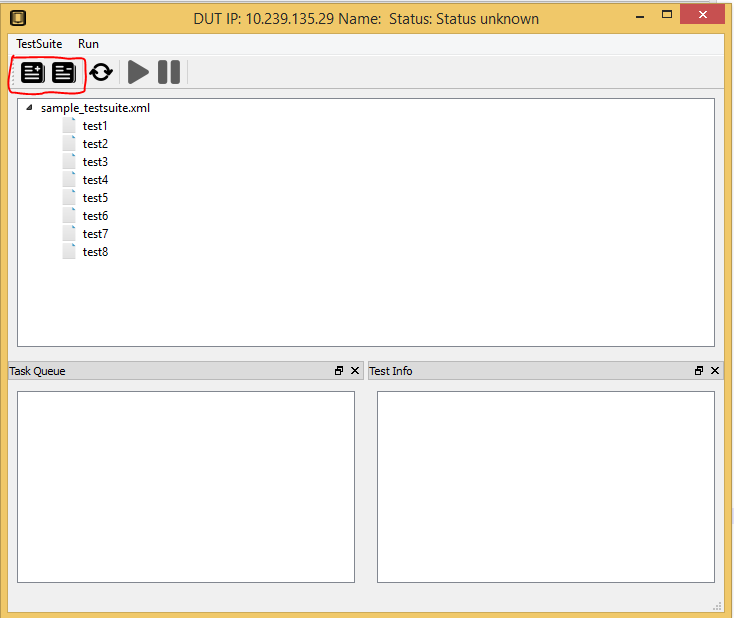
After add test suites to DUT, you can select which tests you want to run, and add them to DUT task queue. XSTAF support add test case to task queue, or add whole test suite to task queue(all test cases in task queue will be added to task queue).
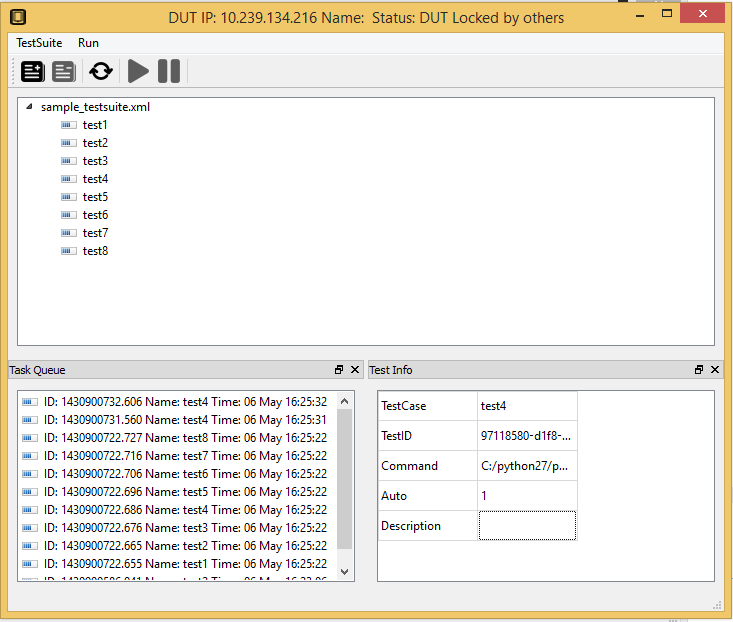
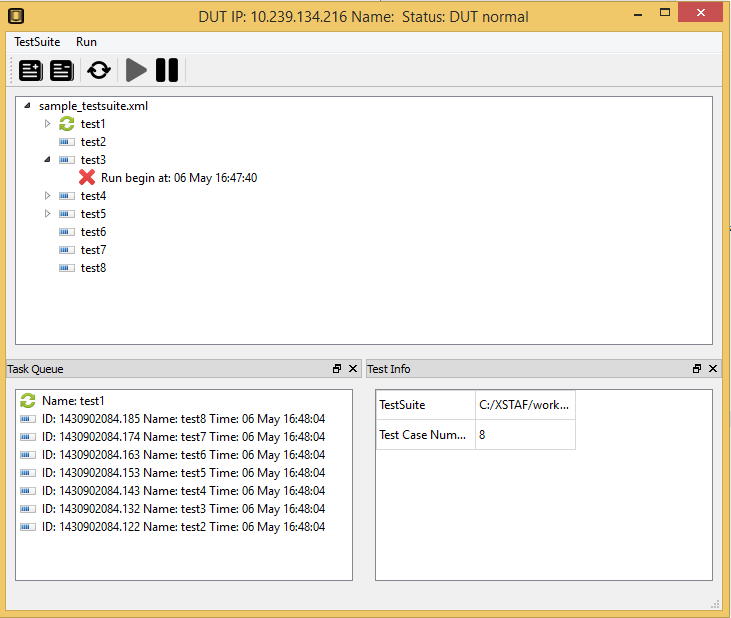
You can start the task queue if DUT status is normal, test case in task queue will be executed, and a new run will be added to each test case.